

Screen Readers Can Navigate GitHub Timelines as Lists
GitHub has improved accessibility by enabling screen readers to navigate issue, pull request, and related timelines as structured lists. This update offers a clearer, more navigable experience for users of assistive technology.
What changed?
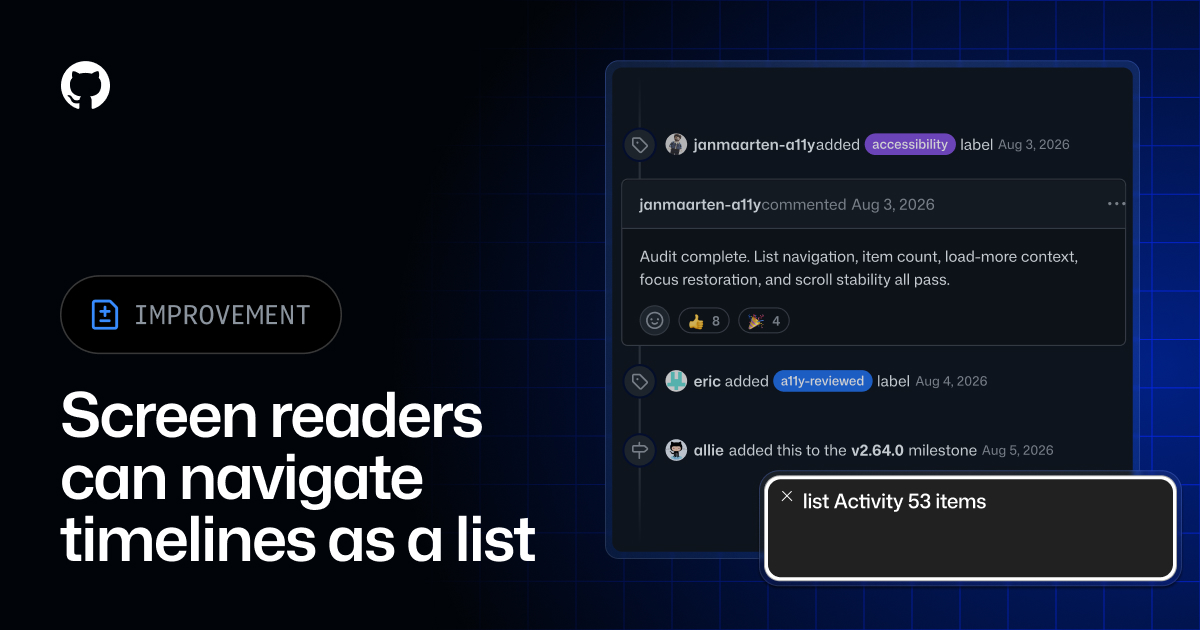
Screen readers can now interpret GitHub timelines—including issues, pull requests, commits, secret scanning alerts, and license compliance alerts—as structured lists. As users move through these timelines, the assistive technology announces the list structure, item count, and the user's position within the list. When new events are loaded by selecting 'Load more' or 'Load all', the screen reader announces how many new items have been added.
Why does it matter to an everyday developer?
This update improves accessibility for developers using screen readers on GitHub. Navigating long timelines is now more efficient and informative for visually impaired team members, ensuring equitable participation in code reviews, issue tracking, and project management. The usability improvement promotes better collaboration and fulfills accessibility requirements without altering the standard interface for other users.
What can the developer do now?
Developers who use or test with screen readers can immediately leverage the enhanced navigation on github.com and GitHub Enterprise Server 3.23. There is no configuration required. To try the feature, open a timeline in an issue or pull request and use a screen reader such as VoiceOver, NVDA, or JAWS. No changes are needed in workflow or configuration for other users, as the update does not affect the standard interface.