

GitHub Copilot App Adds Azure DevOps, Browser, and Enterprise Server Support
The GitHub Copilot app now includes public preview support for Azure DevOps repositories, browser-based use in Chromium browsers, and general availability for GitHub Enterprise Server access.
What changed?
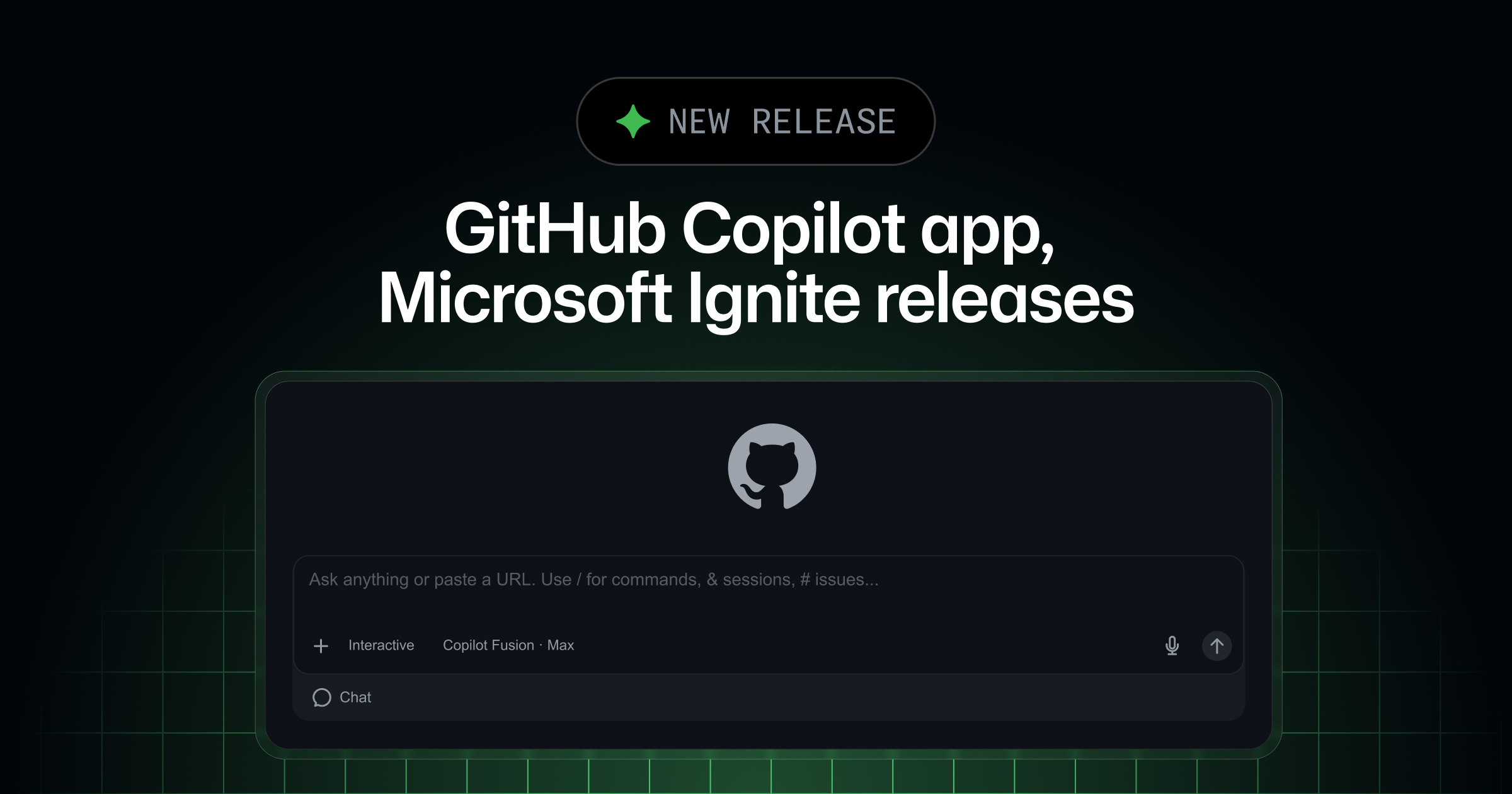
The GitHub Copilot app has introduced several new capabilities. It now supports Azure DevOps repositories in public preview. Users can clone, branch, edit, review, and complete pull requests within the app, though cloud sessions are not available for these repositories. The app also now allows Copilot use in Chromium-based browsers like Google Chrome and Microsoft Edge through the GitHub Copilot extension, enabling interaction with web apps and forms directly in the browser. Finally, GitHub Enterprise Server support is now generally available for users with GHES accounts, with management of remote repositories, issues, and pull requests within the app, starting from version 1.2.0. As with Azure DevOps, cloud sessions are not available for GHES.
Why does it matter to an everyday developer?
These updates allow developers to work with Copilot in more environments they use daily. Azure DevOps users in particular can now leverage Copilot features without switching tools. The new browser support brings Copilot into workflows involving form filling, web testing, and debugging, increasing flexibility for frontend tasks. GHES users can now access Copilot app workflows previously unavailable in stable releases, improving collaboration and review for self-hosted enterprise codebases.
What can the developer do now?
- Enable Azure DevOps integration in the Copilot app (Settings > Experimental > turn on Azure DevOps integration), then add your Microsoft account.
- Install or update the GitHub Copilot extension in Chrome or Edge, and activate browser use by enabling 'Enable Computer Use' and 'Enable Browser Use' in the extension settings.