

GitHub Copilot Adds Direct Image Generation and Editing in Chat
GitHub Copilot now allows public preview users to generate and edit images using natural language directly in chat sessions. This eliminates context switching, adds watermarking options, and introduces separate billing for image generation.
What changed?
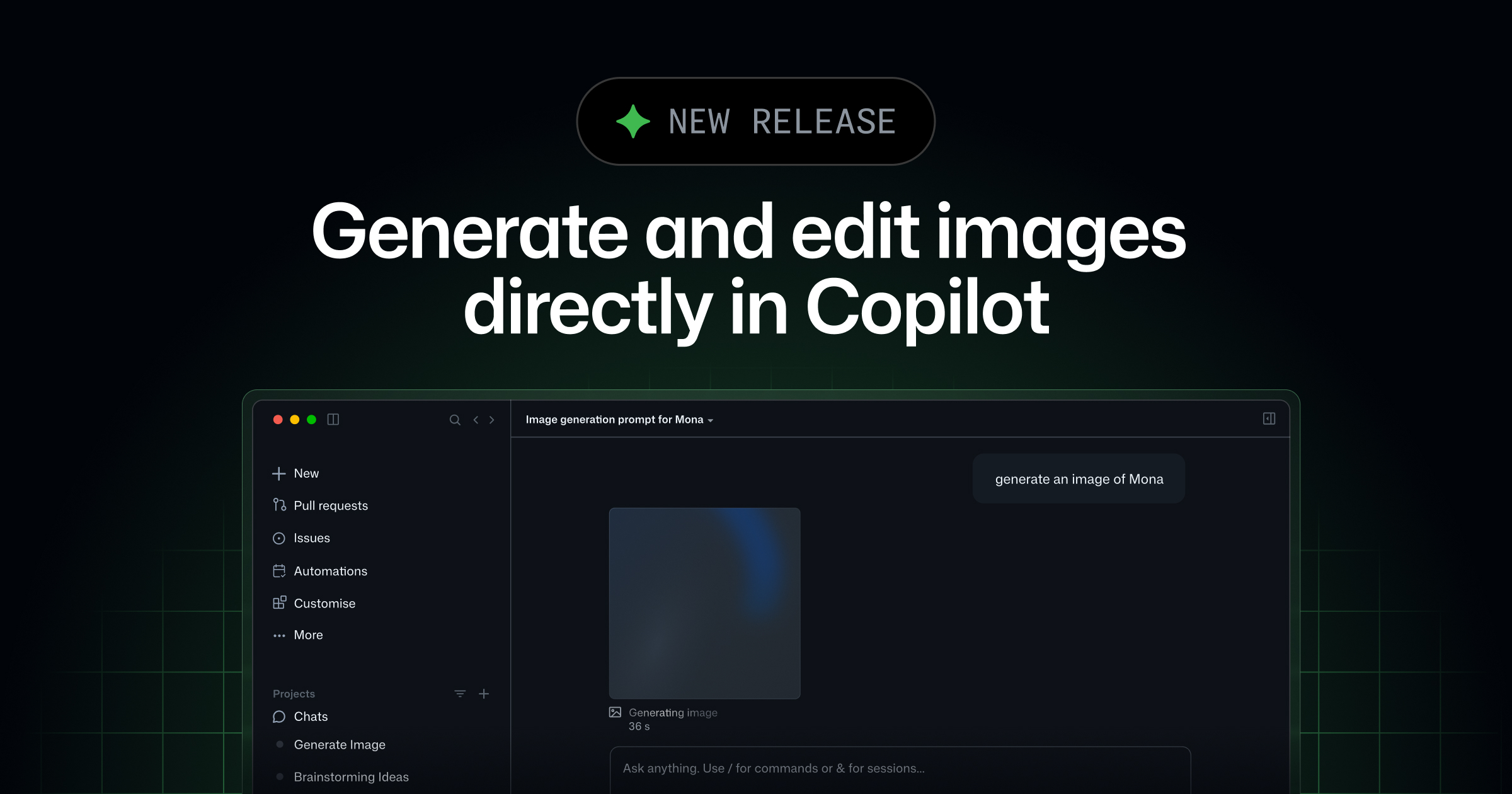
Image generation and editing using natural language is now available directly within GitHub Copilot chat sessions. Users of Copilot Pro, Copilot Pro+, Copilot Business, and Copilot Enterprise can describe images conversationally, receive inline previews, and have generated images saved directly into their workspace. Organization and enterprise admins can disable this feature through model policies. Watermarking is optional and off by default. Image generation is billed separately, counting image tokens against the plan’s AI credits.
Why does it matter to an everyday developer?
This update streamlines the workflow for developers who need visual assets during development. Previously, creating images involved leaving Copilot to use another tool, then manually importing results. Now, developers can generate or edit images within the same Copilot chat they use for code, reducing context switching and friction. The ability for organizations to control access and for users to add watermarks supports compliance and transparency needs.
What can the developer do now?
- 1
Access Copilot in a supported environment
Open a Copilot chat session in VS Code, the GitHub Copilot app, or Copilot CLI while using a Pro, Pro+, Business, or Enterprise plan.
- 2